Zero config
Auto-discovers speakers on your network. Just install and run.
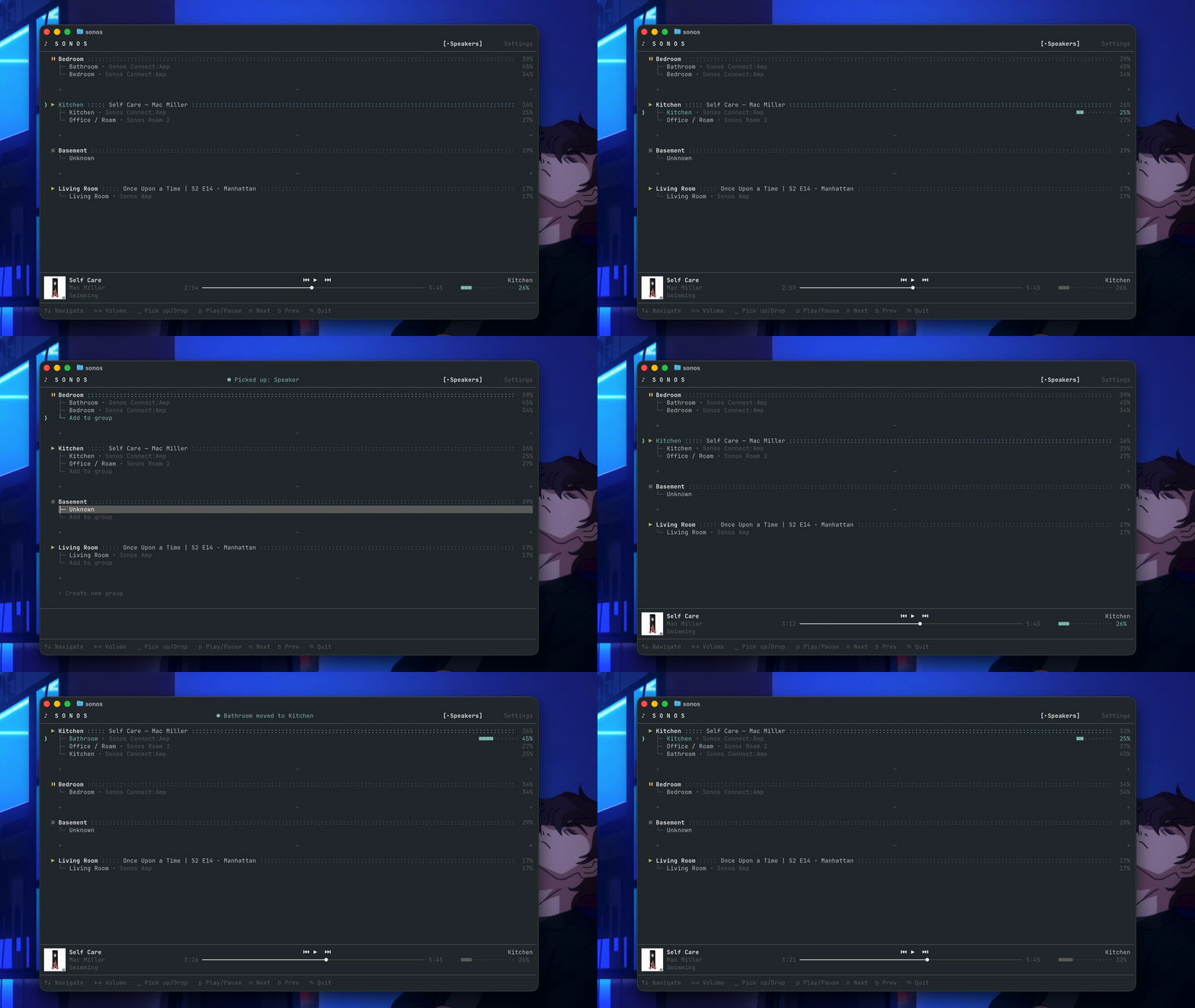
brew install tatimblin/tap/sonos-clicargo install sonos-cliPre-built binaries for macOS, Linux, and Windows are available on the Releases page.
Zero config
Auto-discovers speakers on your network. Just install and run.
Group-aware
Target individual speakers or entire groups with —speaker and —group flags.
Built on Sonos SDK
Same reliable Rust SDK under the hood. Consistent behavior, no surprises.
Scriptable
Compose with shell scripts, cron jobs, and automation tools.
sonos speakers # Discover your speakerssonos status # See what's playingsonos volume 50 --group "Living Room"sonos next # Skip trackSee the full command reference for every available command and flag.